

Mastering n8n Automation: A Step-by-Step Practical Guide to Building, Running, and Fixing Workflows
Automation has become essential for modern teams, developers, and businesses—but when I first started exploring automation tools, the reality was very different from the promises. Like many beginners, I was excited about what automation could do, but once I started using n8n, I faced multiple challenges. I struggled to understand how workflows actually worked, how nodes connected with each other, how data flowed, and why my automations kept failing even after following tutorials.
At the beginning, simple questions kept coming up again and again: How do I trigger a workflow? Why is my webhook not working? How do I pass data from one node to another? What do these errors mean, and how do I fix them? There were moments when automation felt more confusing than helpful. Documentation existed, but connecting all the dots through real-world use was not easy.
Through trial, errors, broken workflows, debugging sessions, and hands-on experimentation, I slowly started understanding how n8n actually works under the hood. Every problem taught me something new—about triggers, expressions, error handling, APIs, and workflow optimization. This blog is the result of that journey. It is not just a theoretical explanation of n8n, but a practical, step-by-step guide built from real problems and real solutions, created to help anyone who is starting with n8n or struggling to make their automations work smoothly.
Table of Contents
Toggle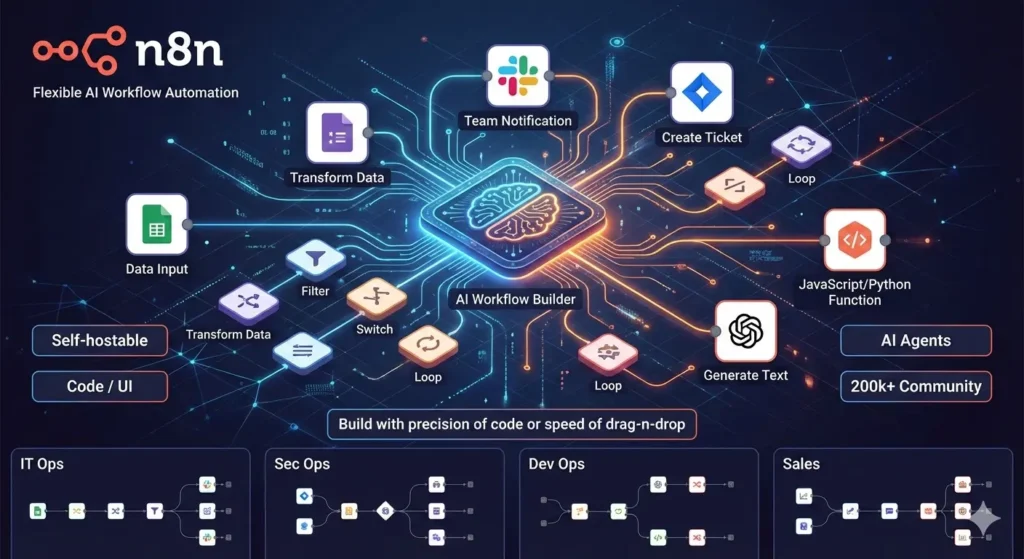
What Exactly Is n8n?
n8n is an open-source workflow automation tool that allows you to connect different applications, APIs, and services using nodes. Each node represents an action, trigger, or data operation.
Instead of writing long scripts, you visually connect nodes to build automated workflows that run automatically when a trigger occurs.
Key characteristics of n8n:
• Open-source and self-hostable
• Visual node-based workflow builder
• Supports APIs, webhooks, and custom code
• Unlimited workflows and executions (self-hosted)
How n8n Works (Core Concepts Explained)
n8n is an open-source workflow automation tool that allows you to connect different applications, APIs, and services using nodes. Each node represents an action, trigger, or data operation.
Instead of writing long scripts, you visually connect nodes to build automated workflows that run automatically when a trigger occurs.
Key characteristics of n8n:
• Open-source and self-hostable
• Visual node-based workflow builder
• Supports APIs, webhooks, and custom code
• Unlimited workflows and executions (self-hosted)
Step-by-Step: How to Use n8n from Scratch
Step 1: Set Up n8n
You can use n8n in two ways:
• n8n Cloud (quick start)
• Self-hosted (Docker / Server)
For beginners, n8n Cloud is recommended. Advanced users can self-host for full control.
Step 2: Access the n8n Dashboard
After login, you’ll see:
• Workflows section
• Credentials manager
• Executions history
• Settings panel
Step 3: Create Your First Workflow
Click “New Workflow” and you’ll enter the visual editor.
Add a Trigger Node:
Choose a trigger like:
• Manual Trigger (for testing)
• Webhook Trigger (for live data)
Step 4: Add Action Nodes
Connect the trigger to an action node such as:
• HTTP Request
• Google Sheets
• Email node
Each node has its own configuration panel.
Step 5: Configure Node Settings
Configure:
• Authentication
• Input parameters
• Data mapping using expressions
Step 6: Execute and Test
Click “Execute Workflow” to test the automation.
Review input and output data for every node.
Step 7: Activate the Workflow
Once tested, activate the workflow so it runs automatically.
Get started with n8n here: https://n8n.io/
Using Webhooks in n8n (Most Powerful Feature)
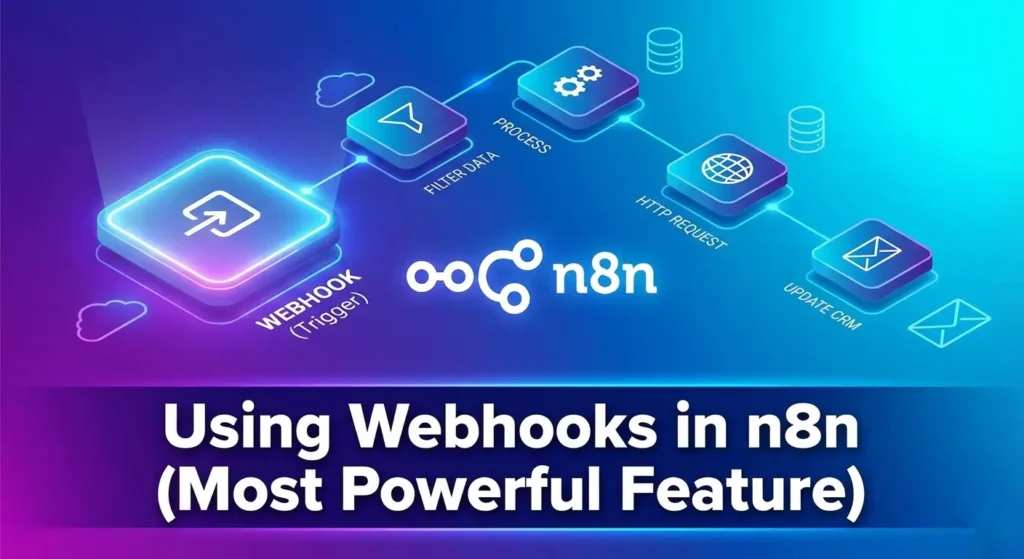
Webhooks allow external apps to trigger workflows.
Steps:
1. Add a Webhook Trigger
2. Copy the generated URL
3. Send data via POST/GET
4. Process incoming data using nodes
Webhooks are commonly used for:
• Form submissions
• API integrations
• Real-time automation
————————————————————
Using HTTP Request Node (API Automation)
The HTTP Request node allows you to connect to any API.
You can:
• Fetch data
• Send data
• Authenticate using headers or tokens
This node makes n8n extremely flexible and developer-friendly.
————————————————————
Error Handling in n8n (Very Important)
Common error handling methods:
• Use “Error Trigger” workflows
• Enable “Continue on Fail” option
• Add IF nodes to validate data
• Log errors into Google Sheets or databases
You can also read this blog – Traditional Marketing vs. Digital Marketing: Key Differences
SEO vs Social Media Marketing: Which is Right for You
Common n8n Problems and How to Fix Them
Problem 1: Workflow Not Triggering
Solution:
• Check trigger activation
• Verify webhook URL
• Test using manual trigger
Problem 2: Authentication Errors
Solution:
• Recheck API keys
• Refresh credentials
• Verify scopes and permissions
Problem 3: Data Mapping Issues
Solution:
• Inspect node output
• Use expressions carefully
• Ensure correct JSON paths
Problem 4: Workflow Fails Midway
Solution:
• Enable “Continue on Fail”
• Add IF conditions
• Break large workflows into smaller ones
Problem 5: Slow Execution
Solution:
• Optimize node usage
• Reduce unnecessary loops
• Use batching when possible
Best Practices for Building Stable n8n Workflows
• Keep workflows modular
• Name nodes clearly
• Test with sample data
• Monitor executions regularly
• Document complex logic
Advanced n8n Features
• Code Node for custom JavaScript
• Function Item node
• Sub-workflows
• Environment variables
• Version control for workflows
Security and Access Control in n8n
• Use credential manager
• Restrict webhook access
• Use HTTPS
• Apply role-based access (enterprise)
Scaling n8n for Large Workloads
• Use queue mode
• Separate workers
• Optimize memory usage
• Monitor logs
Final Thoughts
n8n is not just an automation tool — it is a complete automation framework. Once mastered, it can replace multiple SaaS tools and give you complete ownership of your automation stack.
If you want full control, deep customization, and powerful automation capabilities, n8n is one of the best platforms you can learn today.
I just finished reading your guide on mastering n8n, and I wanted to reach out. What I appreciated most was your focus on the common ‘failing points’ like webhook troubleshooting and data mapping—most tutorials skip the struggle, but you addressed the real-world friction of building workflows. It’s a fantastic resource for anyone trying to bridge the gap between documentation and deployment.
If anyone is looking for more localized insights or execution, we specialize as the Best Digital Marketing Agency In Bangalore, and we’ve seen similar trends working well for our partners lately. Keep up the great work!